
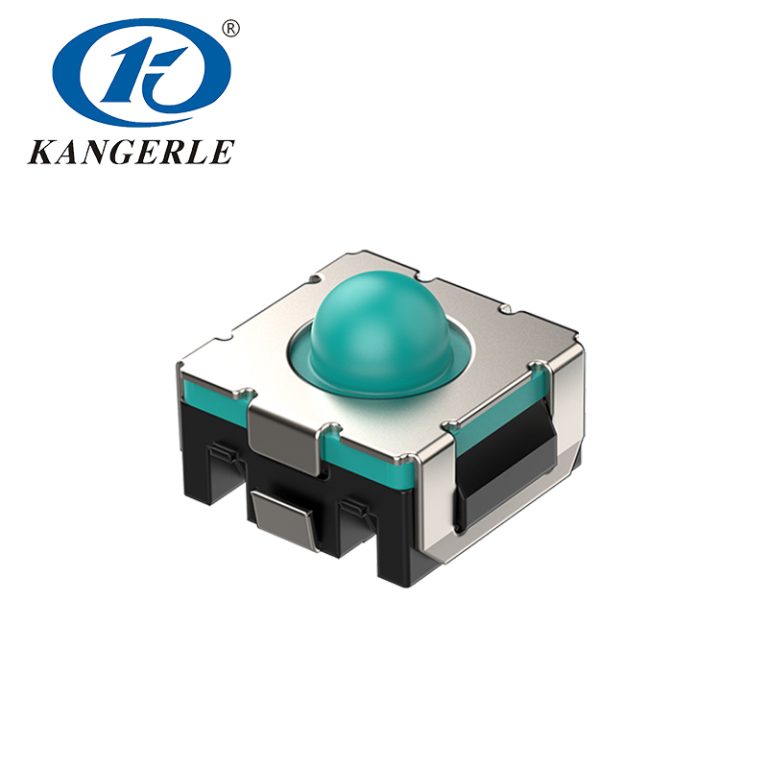
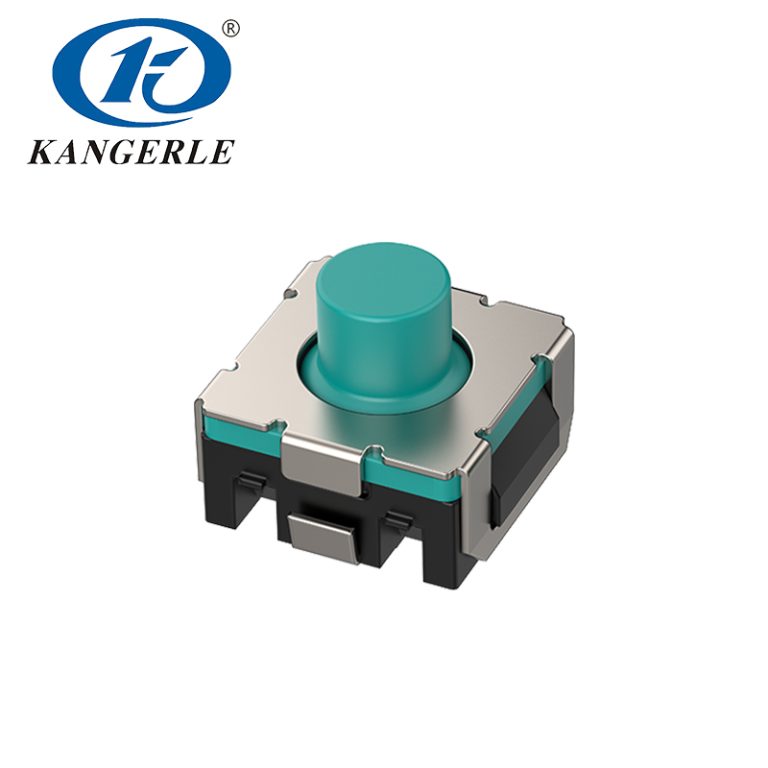
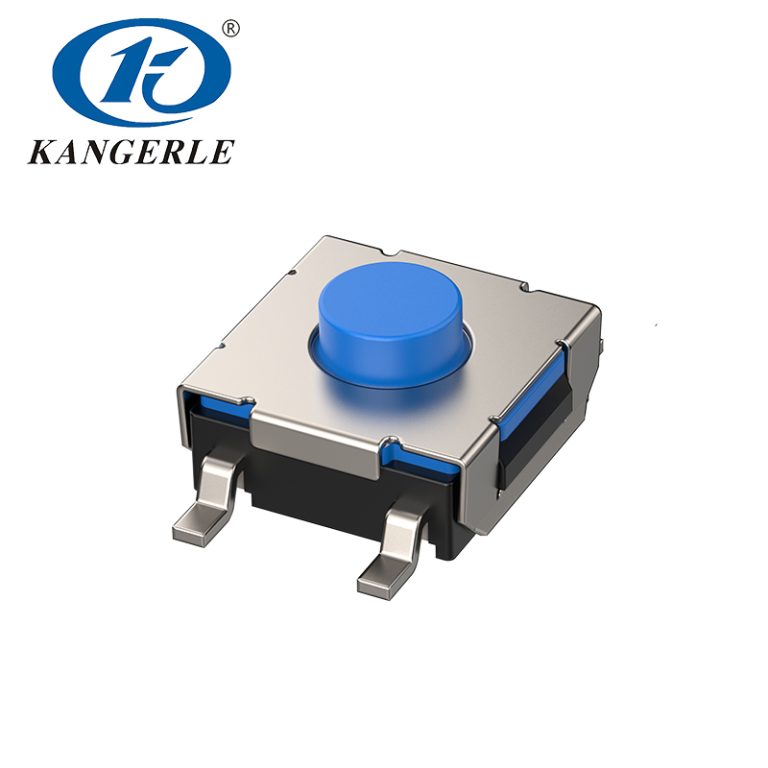
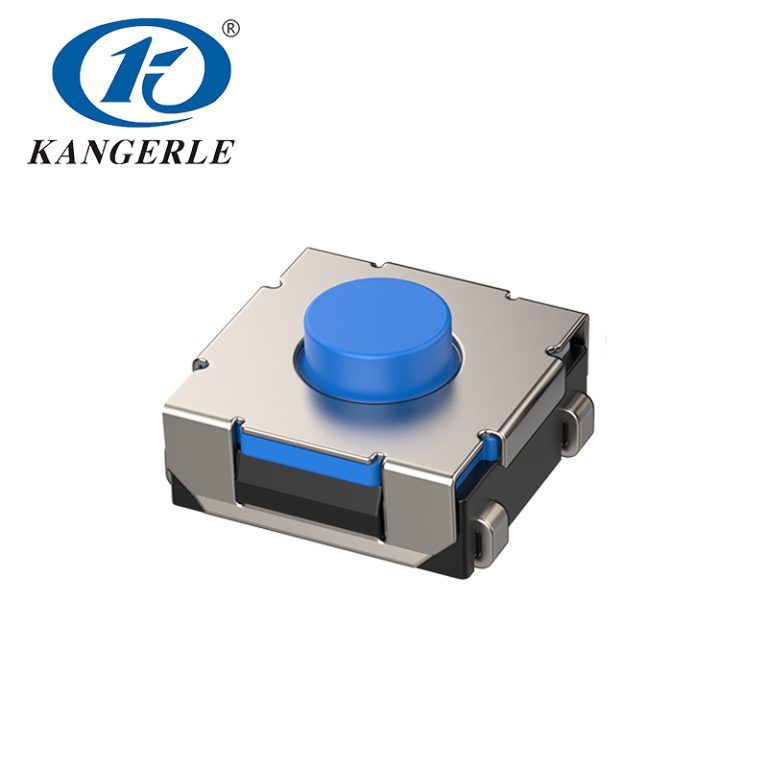
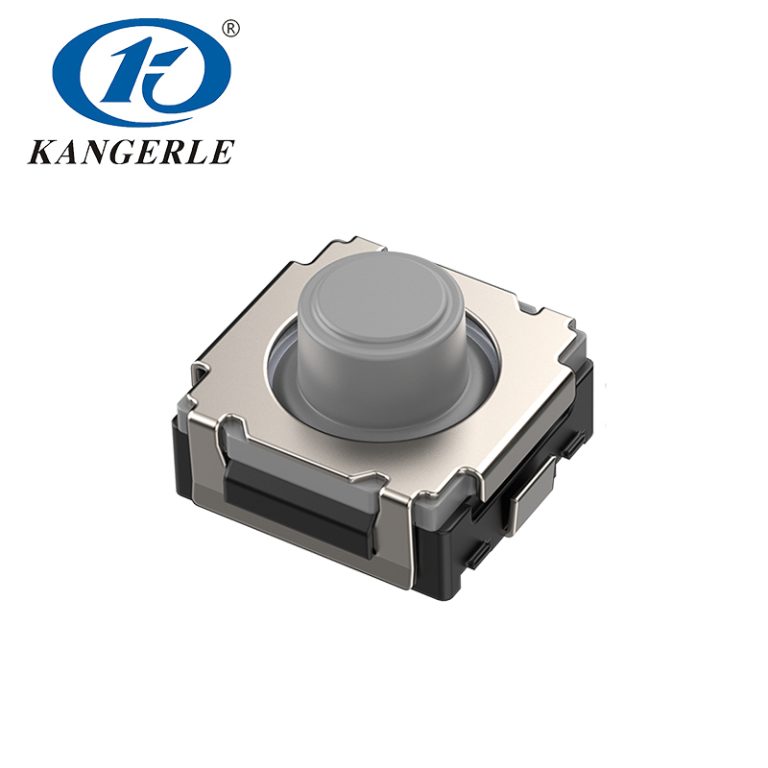
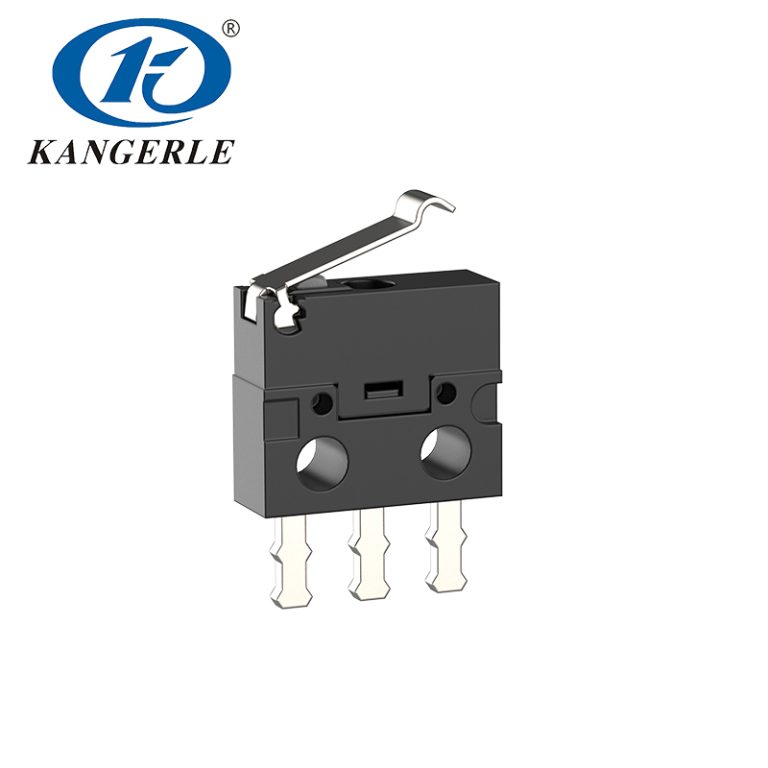
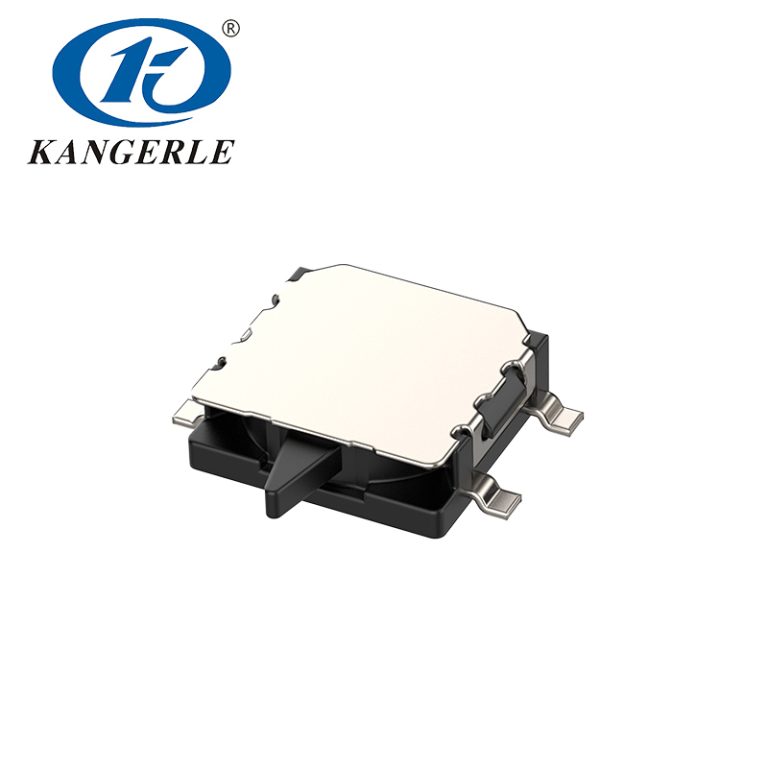
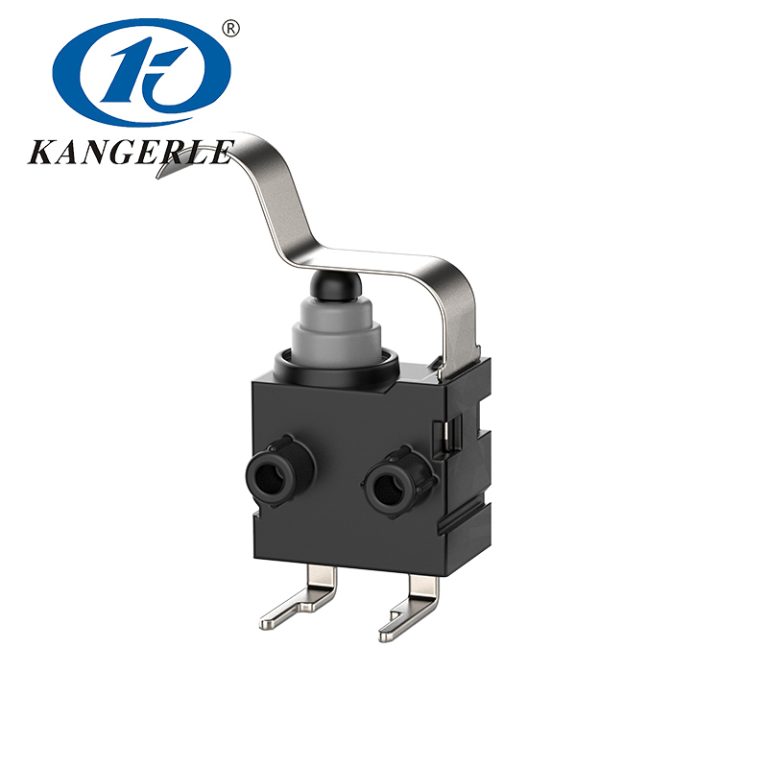
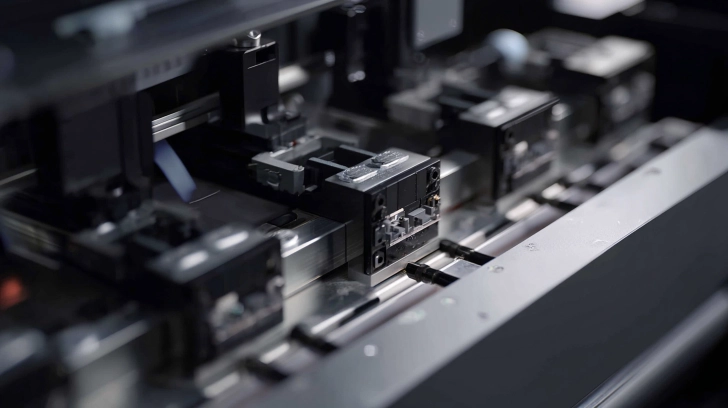
Micro switches are tiny, dependable gadgets. They serve as sensors in lots of common machines. These devices spot changes in movement or spot. Something pushes or lets go of the switch. Then it opens or closes a circuit. This easy job makes them important for running devices.
In printers, these switches have a big part. Picture how a printer deals with paper, ink, and parts without mistakes. Micro switches make sure things go right. Folks who use printers, like office bosses or tech fans, often miss these small bits. But knowing what they do can help fix problems quicker. Or pick better gear. Now, let’s look closer at how they work in printer setups.
Key Features of Micro Switches
These switches have qualities that fit small spots and lots of use. They stay small, often just a few centimeters across. This lets them slip into printer cases without using much space.
They deal with different power levels, from low to medium. This means they can send signs to a printer’s main board without using too much energy. And they last a long time. Many handle millions of uses before they break.
- Strength: Made to handle dust and small bumps that happen in device.
- Accuracy: React fast to light pushes, so they spot things right.
- Choices: Come in various push strengths to fit what printers need.
Features like these make micro switches a top pick for steady work in printing machines.
How Micro Switches Work in Printers
Printers need exact timing and placing. Micro switches help by giving info back to the system. For instance, when you put in paper, a switch might feel the tray’s spot. This lets the printer know it’s set to pull sheets.
The application of micro switches in printers covers more than simple stuff. They fit into setups that run motors and sensors. When they turn on, they send notes that start or halt steps. Like moving paper or setting print heads.
Detecting Paper Presence and Jams
A usual place for these switches is along the paper route. As paper goes by, a switch checks if it’s there. If no paper hits the switch, the printer stops. This avoids problems.
If a jam happens, switches spot the issue. They feel odd blocks or stops. This fast check keeps rollers and parts safe.
Think about printing a big file. Without these checkers, the machine could run without knowing. That leads to big messes. But micro switches add safety and speed.
Benefits for Users
For people at home, this cuts breaks during prints. In work places, it means less wait time. Fix teams like how these parts make finding faults easier. Often, a bad switch causes ongoing jams.
Monitoring Ink Cartridges and Print Heads
Printers must know when ink changes or new packs go in. Micro switches often do this by feeling when a pack slides in.
You put in a fresh cartridge. It pushes a switch. This tells the printer to reset counts or check lines. It’s a basic but good way to keep prints clear.
In fancier types, switches follow print head moves. They make sure the head stops right for cleaning or rest.
Cover and Safety Interlocks
Safety ranks first in any gadget. Micro switches work as locks on printer lids. If the top is up, the switch cuts the power. This stops work.
It keeps accidents away, like hands in moving bits. And it guards inside parts from dust when idle.
In big printers, these locks connect to wider systems. They might tie to programs that note when someone opens for fixes.
Advantages of Using Micro Switches in Printer Designs

Makers choose micro switches for solid reasons. They give trust in tough spots. Printers get warm and shake, but these switches stay strong.
On cost, they stay cheap but work well. This holds printer prices low without cutting corners on good work.
Improved User Experience
Easy running builds faith. When a printer answers fast—thanks to exact switches—users feel good. No more anger from wrong starts or odd stops.
For companies, this means more done. Groups print without watching the machine all the time.
Long-Term Reliability
These bits lower break rates. With good fit, printers run longer. This draws buyers who want tough stuff.
- Less Fix Costs: Fewer stops mean less cash on mends.
- Green Side: Longer use cuts trash from old printers.
- Growth: Simple to change for various printer sizes, from desk to big ones.
Perks like these make micro switches key in today’s printing gear.
Challenges and Solutions in Micro Switch Applications
Things aren’t always perfect. Dust can build up and hurt how switches work in printers. Over time, bits might block pushes.
Ways to fix include closed types that keep dirt out. Cleaning now and then helps.
Another problem: Wear from steady use. Lots of printing pushes switches hard. Pick ones with more uses to fix this.
Selecting the Right Switch
Fit the switch to what the printer wants. Think about power, size, and setting.
| Factor | Consideration | Example in Printers |
|---|---|---|
| Size | Small fit | Paper tray feelers |
| Push Force | Soft touch for exact | Ink pack checkers |
| Strength | Many uses | Active office machines |
| Guard | Dust-proof | Home printers in messy spots |
This chart helps choose smart. It brings better running all around.
Expert Advice
Chat with sellers about special changes. They can adjust setups for certain printer kinds, making fit and work better.
Future Trends in Micro Switches for Printers
Tech changes quick. Micro switches get brighter, with built-in bits for better info.
In 3D printers, they deal with tricky placing. This starts new ways, like exact layer checks.
Green goals push for better stuff in switches. Less plastic, more that goes back.
Integration with Smart Systems
Linked printers use switches that connect to programs. Users get notes if something’s wrong, like low ink from a switch.
This mix of old and new makes things handier.
Introducing Zhejiang Kangerle Electronics Co. Ltd.
ZHEJIANG KANGERLE ELECTRONICS CO., LTD shines as a reliable source for micro switches. Started in the early 1990s in Wenzhou city, this group makes top electronic parts for many areas, like home gear and computers. With more than 30 years going, they have a solid crew of engineers and bosses. Their spots cover around 20,000 square meters, making over 50 million items each month. Marks like ISO9001 and IATF16949 show their focus on good work. They help spots near and far, teaming with buyers to fill wants and make new thoughts.
Conclusion
Micro switches quietly run printers well. From spotting paper to keeping safe, their uses hit every bit of printing. Knowing this aids users and makers in smart picks. As tech grows, these small gadgets will change too, backing nicer, steadier printers. For folks in this area, getting their part builds a better base for new ideas and fixes.
FAQs
What is the main application of micro switches in printers?
The main application of micro switches in printers covers spotting spots and moves, like paper there or lid state. They help the printer answer right to what users do and stop mistakes.
How do micro switches improve reliability in printers?
Micro switches raise trust by giving exact info to the control setup. This lowers jams and stops, making printers more steady for everyday use.
Can micro switches handle high-volume printing environments?
Yes, lots of micro switches fit millions of uses, so they work in active spots. Their strength backs steady work even with heavy jobs.
Why choose a reputable supplier for micro switches in printer designs?
A solid seller gives checked, marked switches that match wants. This pick leads to printers that last more and have fewer troubles later.
What future developments might we see in the application of micro switches in printers?
Coming uses could cover brighter links, like tying to net for now checks. This would make printers friendlier and quicker.